Choose with confidence
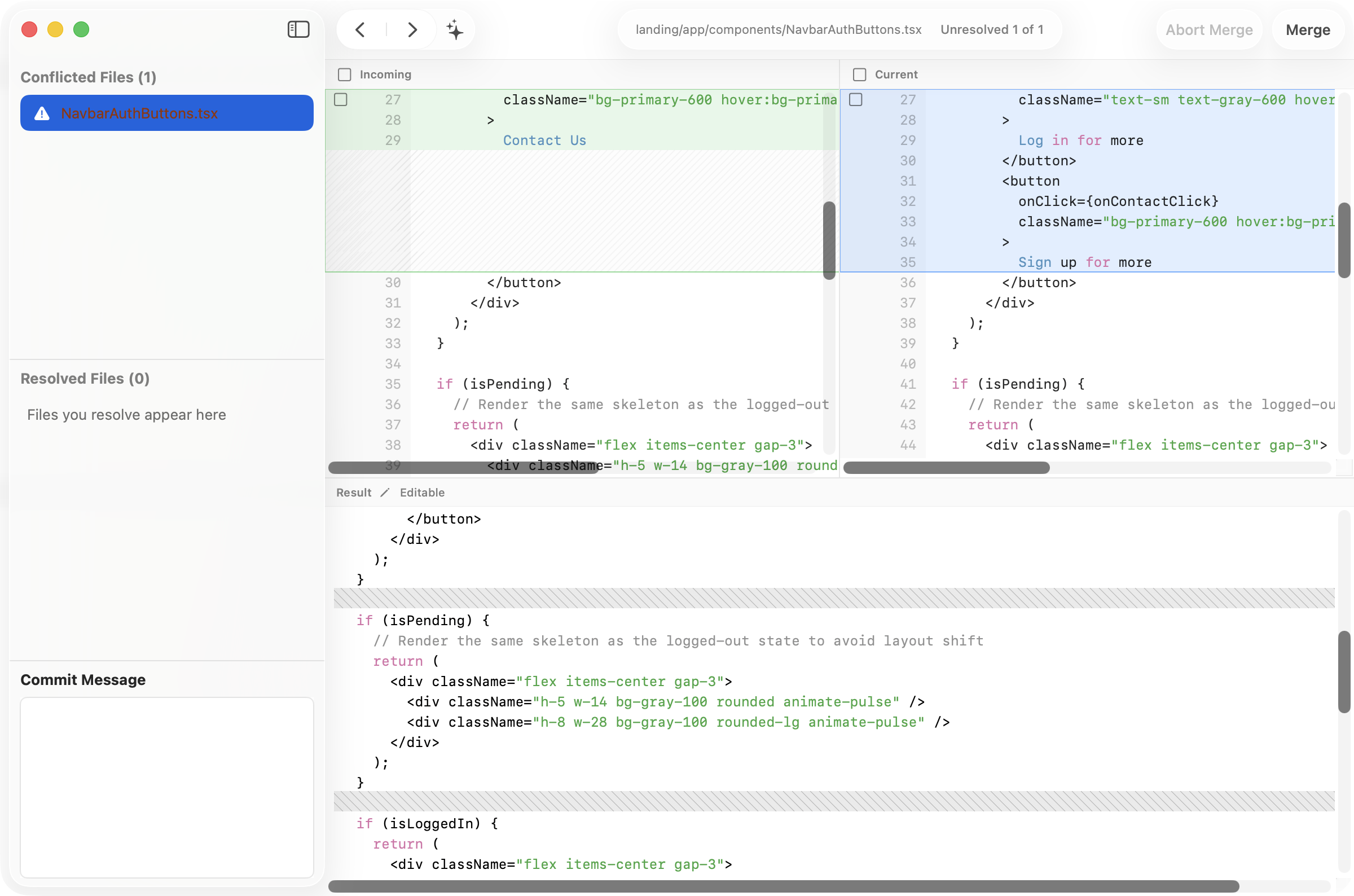
Compare Incoming and Current changes side by side, then keep either version or combine both for each conflict block.
Compare both sides, build the final result, and complete the merge in one focused workspace—with optional AI assistance when you want a second opinion.
Built-in resolution
Commit+ keeps the competing changes and the final result visible together, so every decision stays easy to inspect.
Compare Incoming and Current changes side by side, then keep either version or combine both for each conflict block.
Use optional, context-aware AI assistance when the intent is not obvious, then review the result before accepting it.
Edit the resolved result, move through every conflicted file, and finish only when the final code looks right to you.
Your tool, your choice
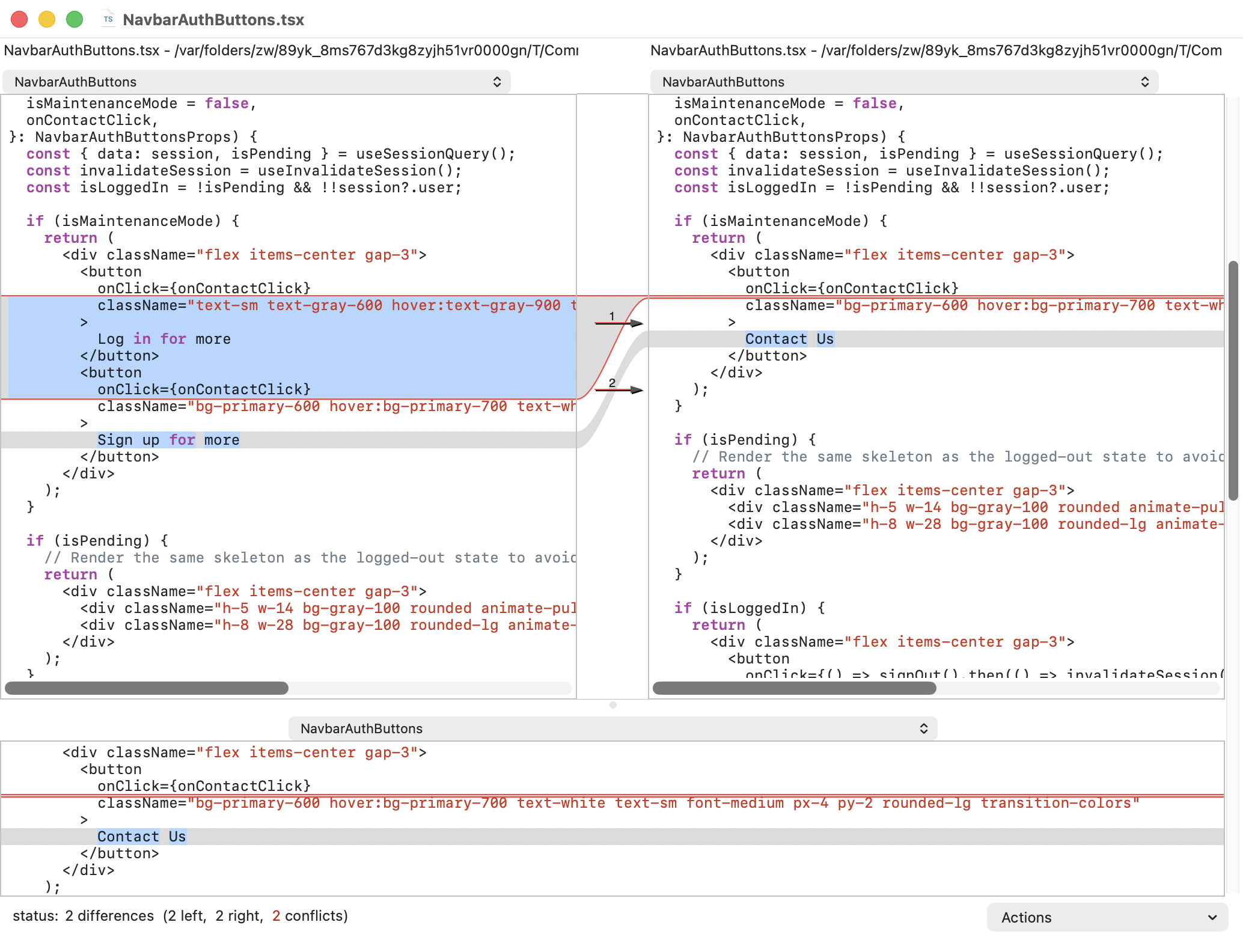
If a supported external merge tool is available on your Mac, Commit+ lets you hand off the conflicted file and continue with the workflow you already know.
One conflict, two paths
Either way, Commit+ keeps the merge anchored to your repository and puts the final decision in your hands.