Latest from our blog
Stories, updates, and insights from the CommitPlus team. Explore how we build the native Git experience for macOS.
All articles
10 articles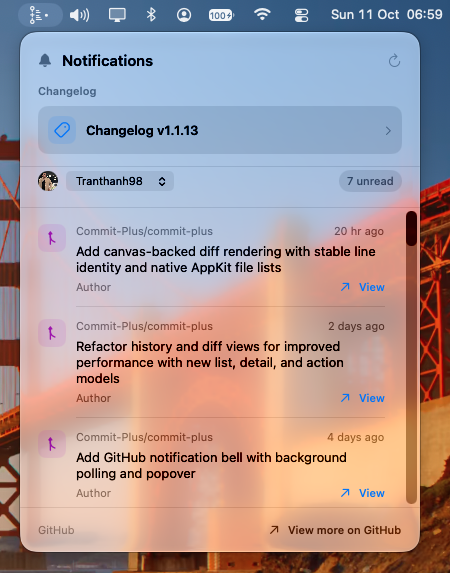
Your GitHub Inbox, a Menu Bar Click Away
Check GitHub notifications from the macOS menu bar in CommitPlus. See unread updates, switch accounts, and open the conversation on GitHub.
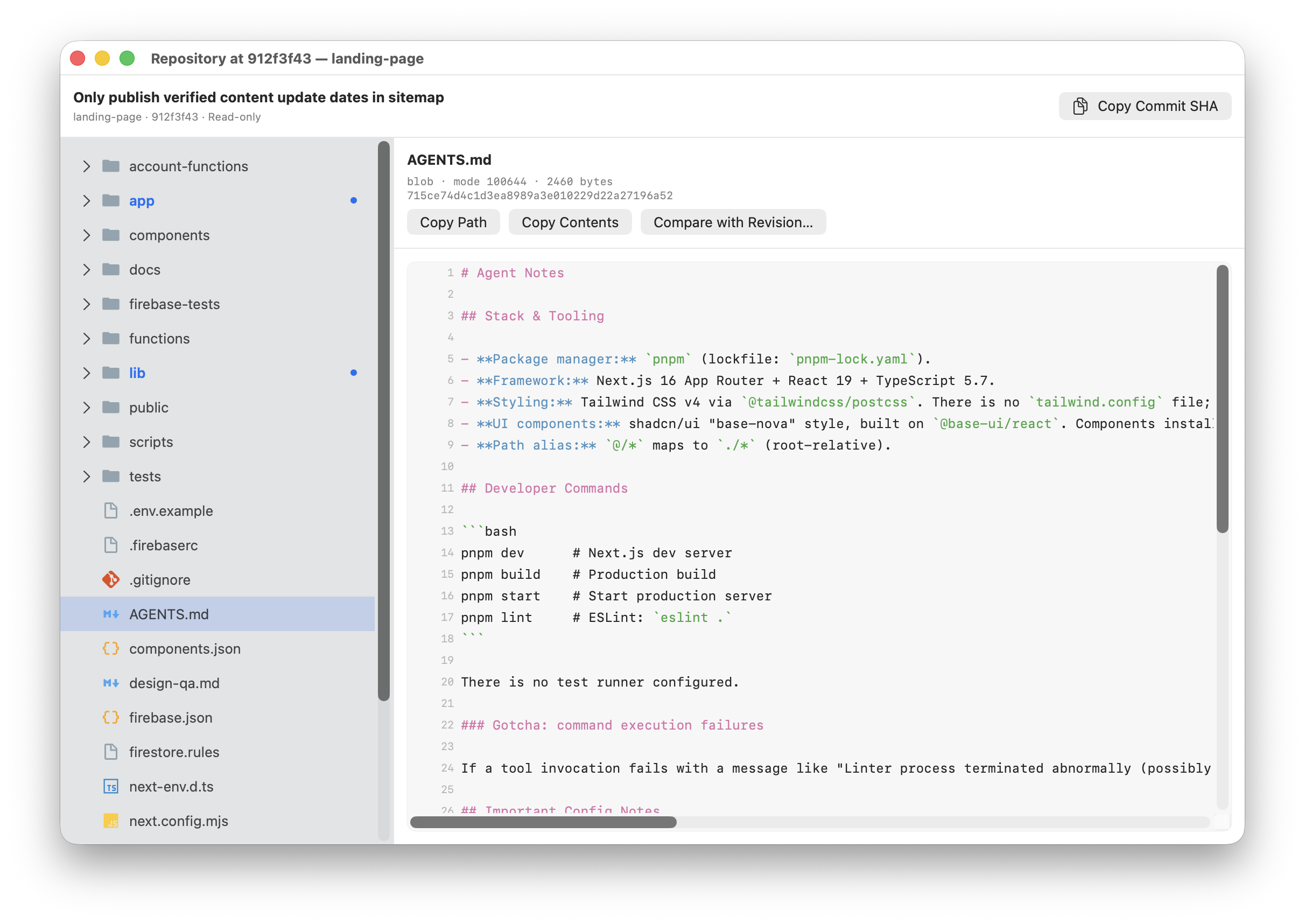
Browse and Compare Git Revisions Without Checking Out
A visual guide to browsing your repository at a commit and comparing files, folders, and branches with other revisions in CommitPlus.
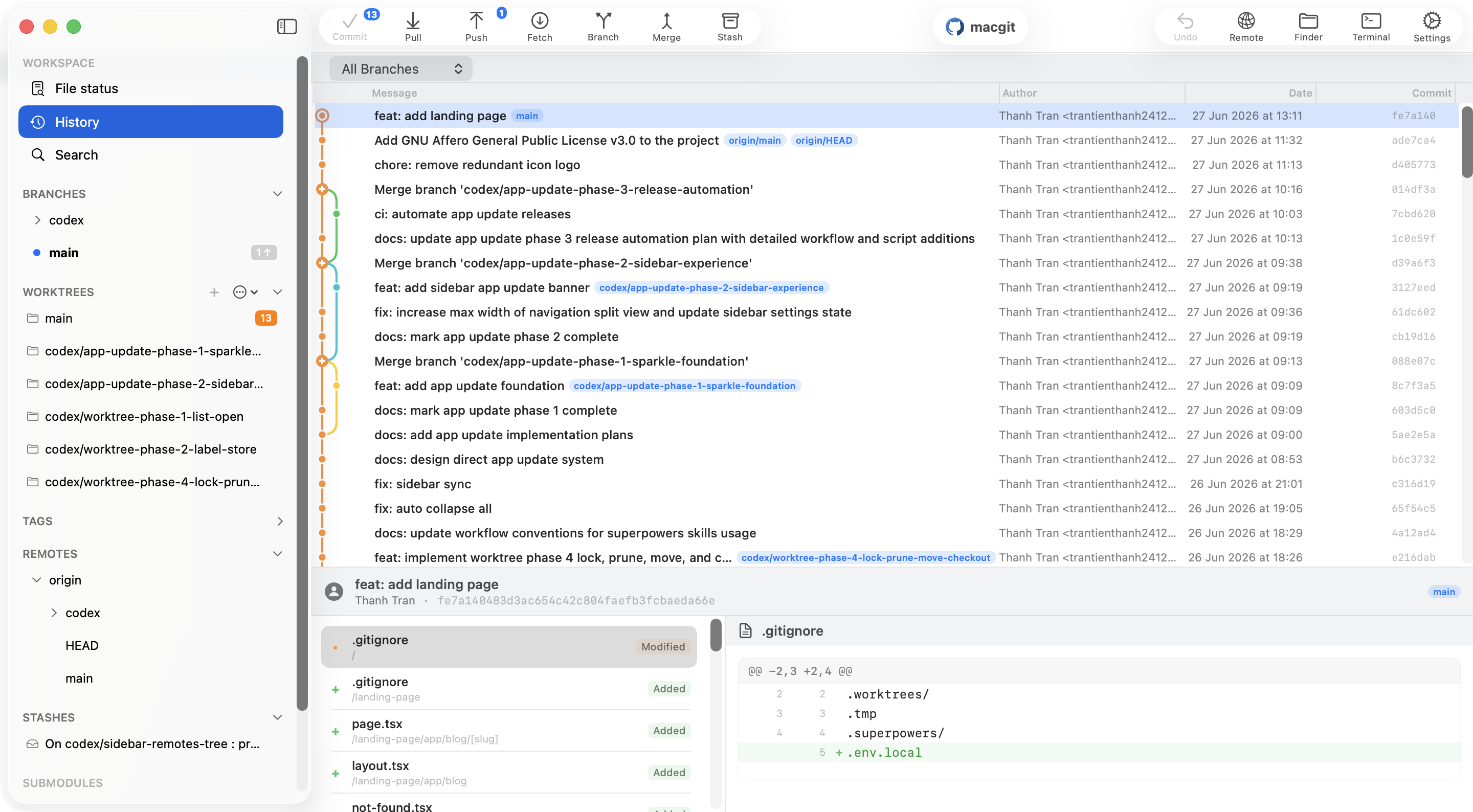
GitLab Client for Mac — Native Git GUI
Connect GitLab.com or self-hosted GitLab to CommitPlus and manage repositories, branches, and merge requests in a native Mac app.
Best Git Client for Mac in 2026 — Free & Paid Options Compared
Looking for the best Git client for macOS? We compare 9 top Git GUIs — including CommitPlus, Tower, SmartGit, Sourcetree, Fork, GitKraken, and more — on features, pricing, and performance.
How to Rebase a Git Branch on Mac: CLI and Visual Guide
A practical Git rebase guide for macOS: update your branch, handle conflicts, recover safely, and see how to rebase visually in CommitPlus.
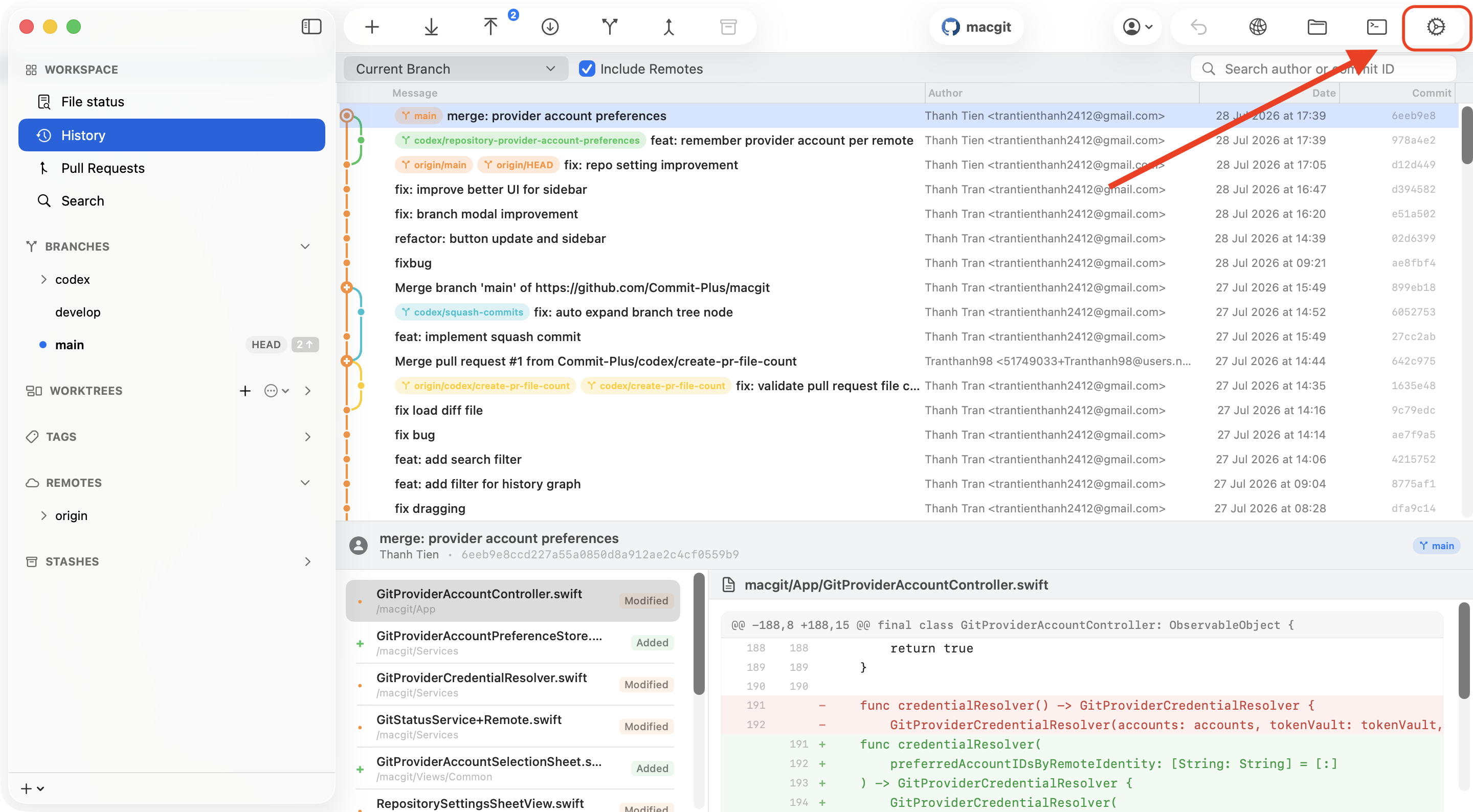
How to Select a Git Account for a Repository
Using multiple GitHub or GitLab accounts? Learn how to tell CommitPlus which connected provider account a repository should use for remote operations.
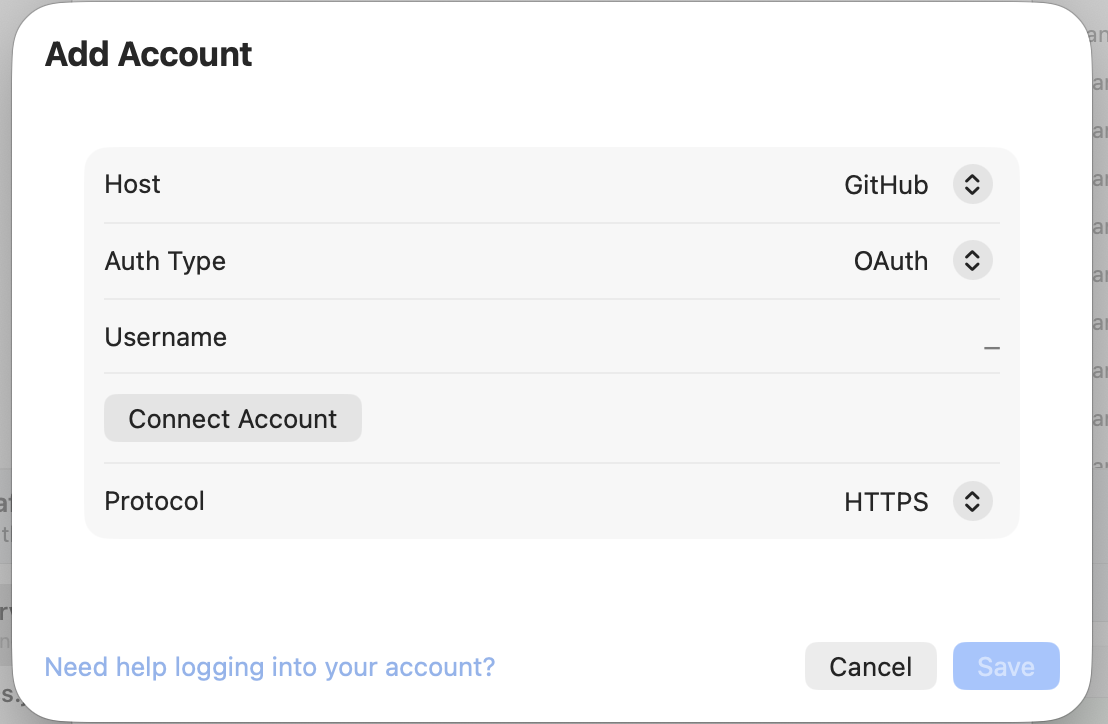
How to Connect Git Provider Accounts in CommitPlus
A step-by-step guide to connecting your GitHub, GitLab, and Bitbucket accounts with CommitPlus using OAuth device flow.
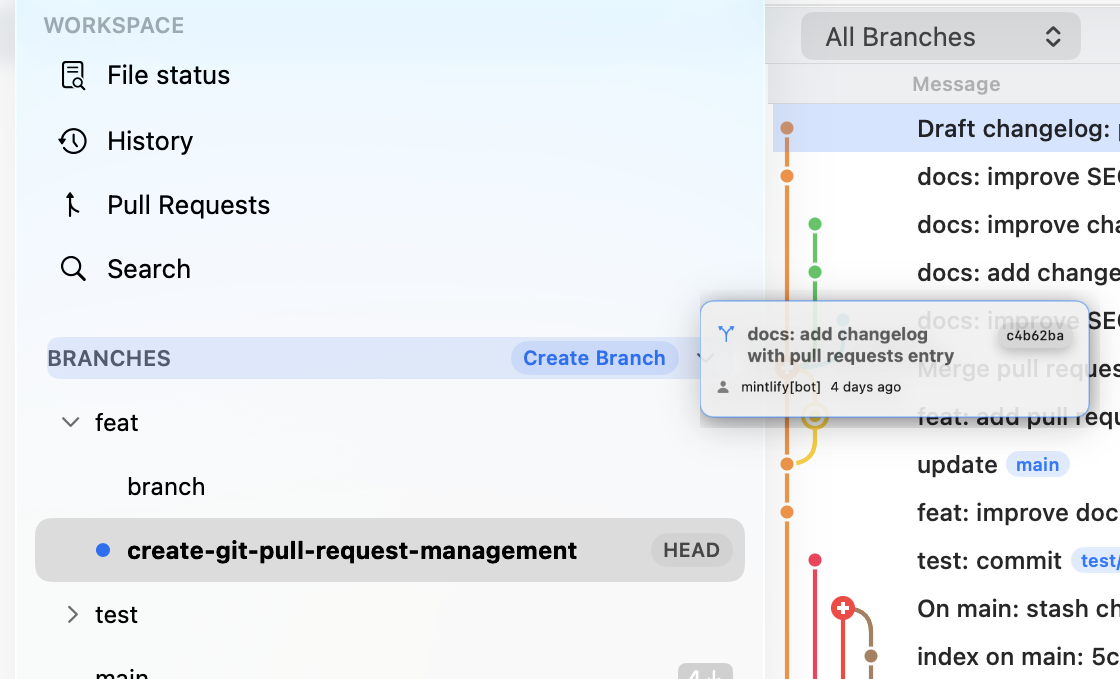
Drag & Drop Git Operations: A Game Changer
Discover how drag and drop transforms complex Git operations into intuitive, visual interactions.
Why Native Apps Matter for Developer Tools
Explore the benefits of native development: performance, memory efficiency, and seamless macOS integration.
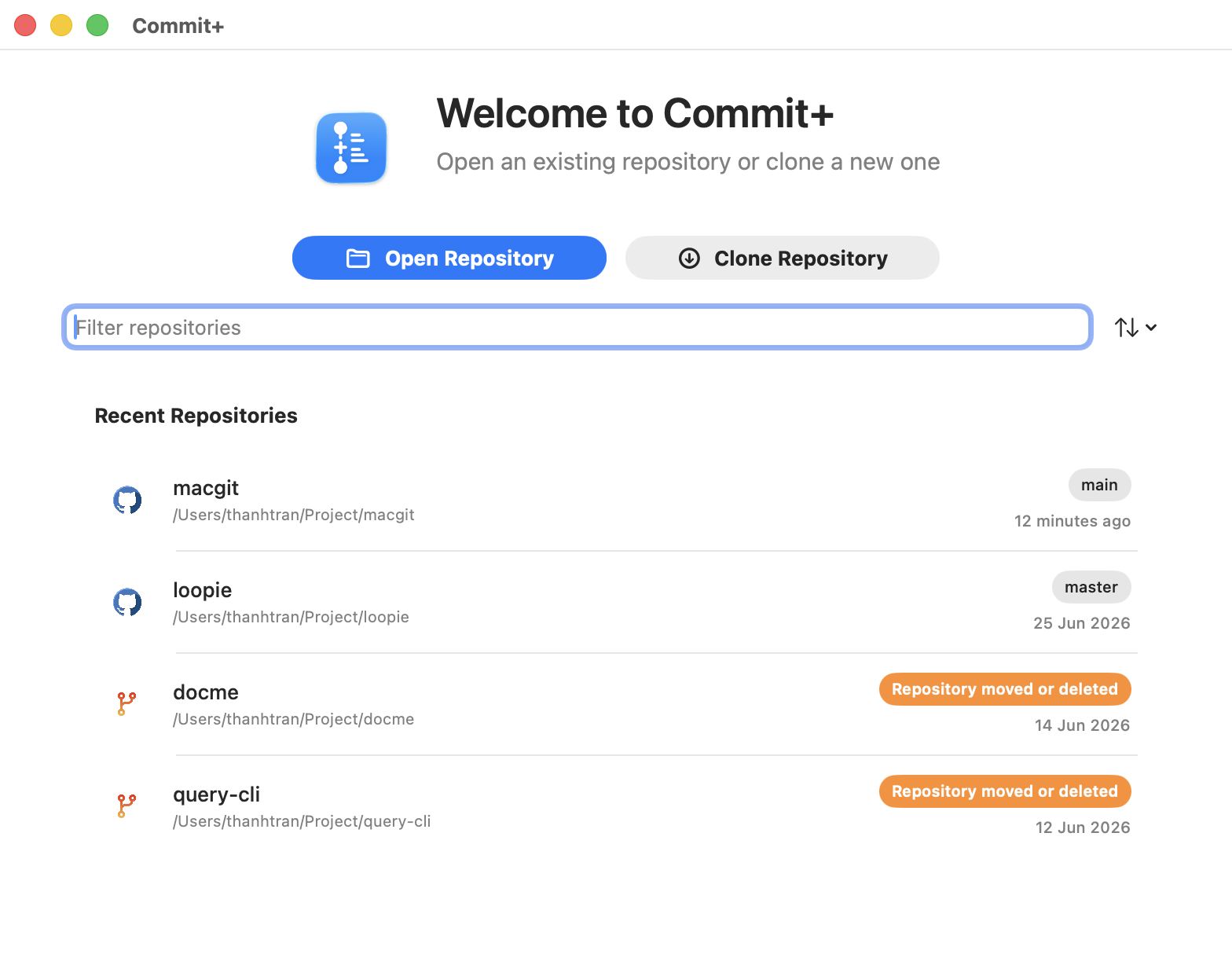
Introducing CommitPlus: A Native Git Client for macOS
We're excited to announce CommitPlus, a lightning-fast, native macOS Git client built with Swift and SwiftUI.