Connect your GitLab account
Connect a GitLab.com or self-hosted GitLab account, then choose the right account for each repository remote.
Native Git client for macOS
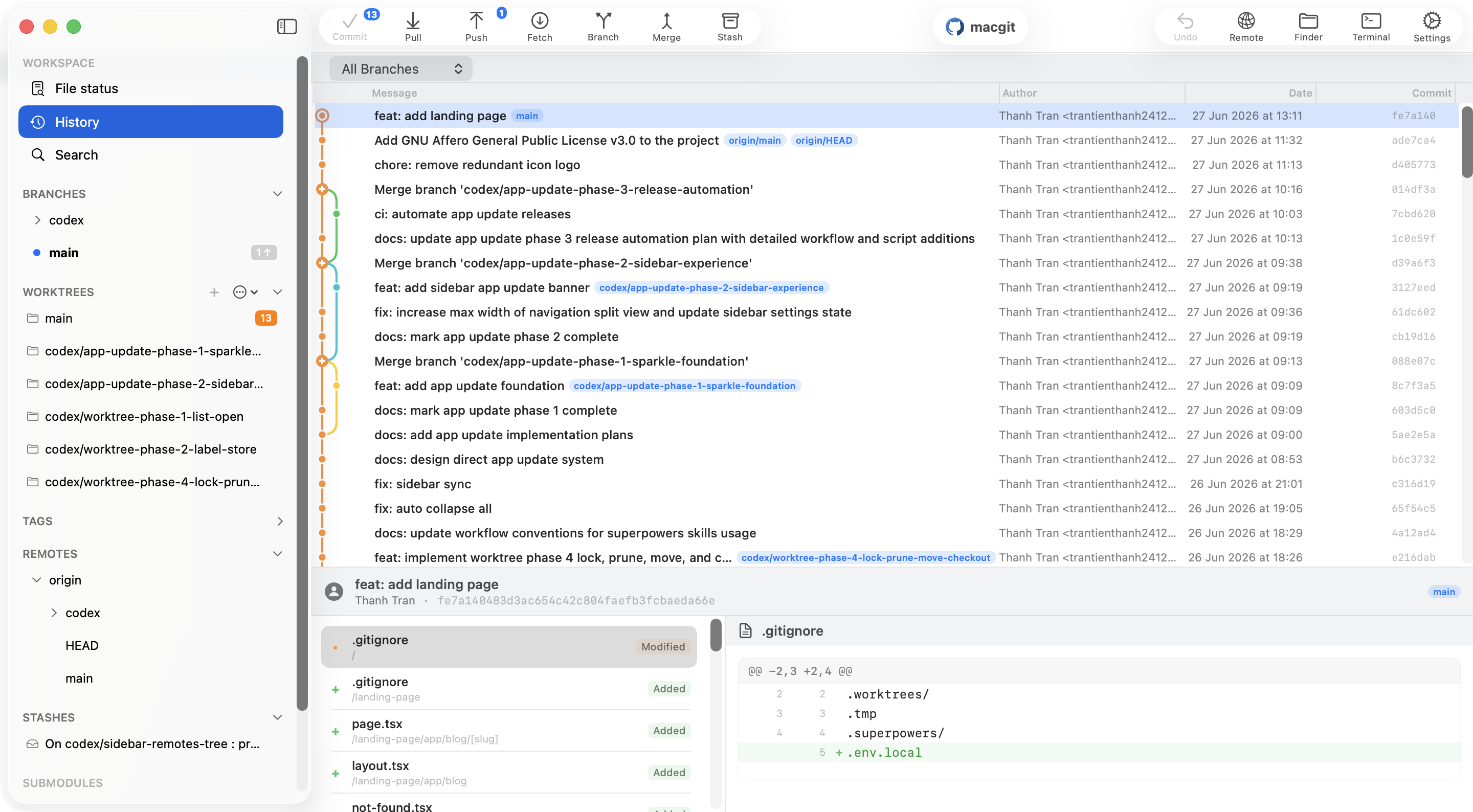
CommitPlus brings your GitLab repositories, local history, branches, and merge requests into a native Mac app. Keep using GitLab to host and collaborate while doing day-to-day Git work in one place.
Free local Git workflows. Requires Apple Silicon and macOS 26 or later.
Connect a GitLab.com or self-hosted GitLab account, then choose the right account for each repository remote.
Clone, commit, inspect diffs and branches, then fetch, pull, or push changes to your GitLab remote.
View GitLab merge requests alongside your repository work in the app.
Comparing Mac Git tools before installing? Read our Git client comparison or explore in-app review workflows.