Best Git Client for Mac in 2026
Free & paid options compared. We review 9 top Git GUIs for macOS — including CommitPlus, Tower, SmartGit, Sourcetree, Fork, GitKraken, and more.
Last updated September 24, 2026
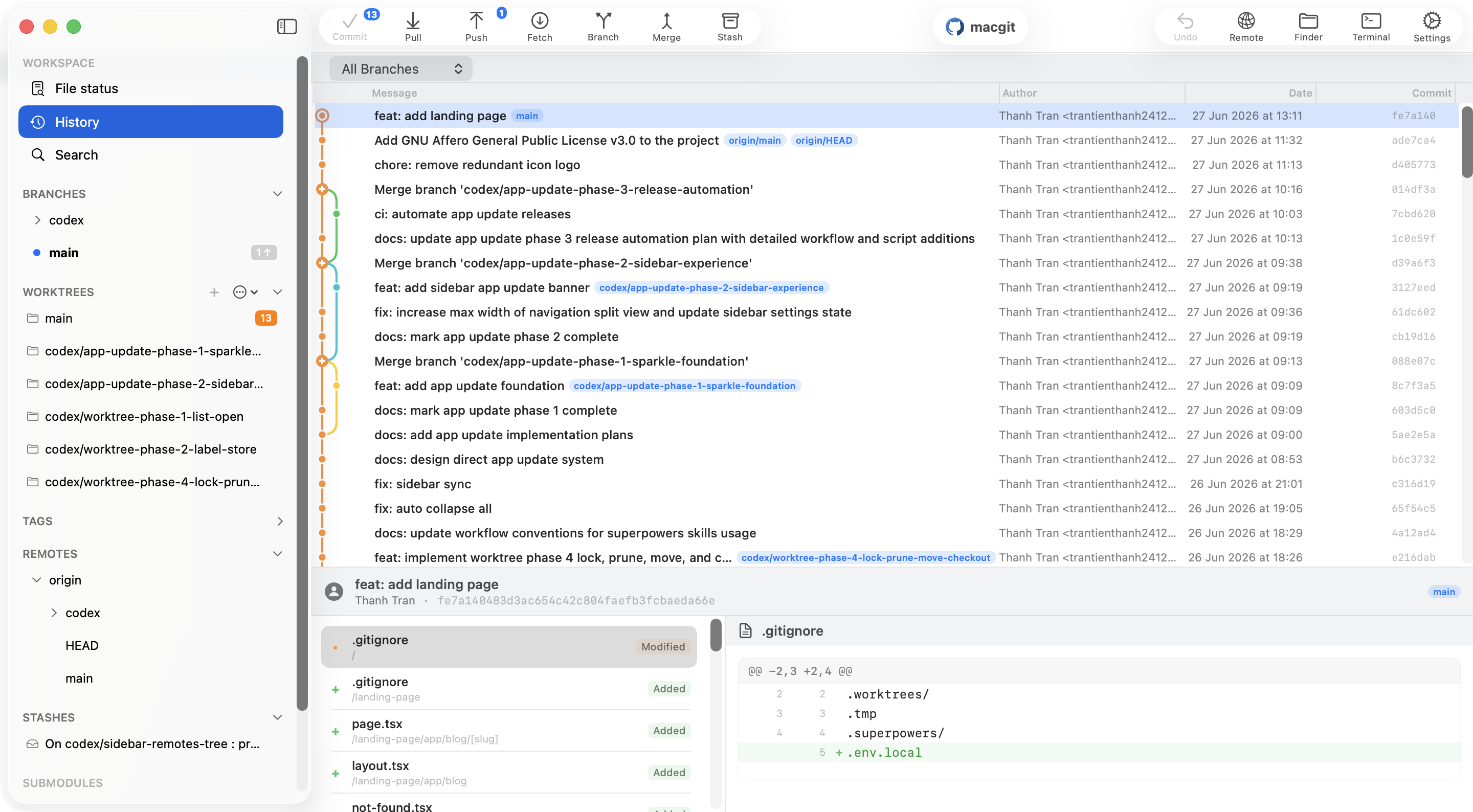
Why Use a Git Client on Mac?
Git is the most widely used version control system in 2026, but let's be honest — the command line isn't always the most efficient way to manage branches, resolve merge conflicts, or review pull requests. A good Git client for Mac gives you a visual interface that makes complex Git operations faster, safer, and more intuitive.
Whether you're a solo developer or part of a team, the right Git GUI can save you hours every week. You'll see changes at a glance, resolve conflicts with confidence, and avoid the memorization burden of dozens of Git commands.
In this guide, we compare the best Git clients for macOS available in 2026 — both free and paid — so you can pick the one that fits your workflow.
Quick Picks by Workflow
The best Git client for Mac depends on the tasks you do most. Start with the workflow, then check the details in the comparison table:
- Free, native Git on a recent Mac: Try CommitPlus for visual history, drag and drop, Undo, and local Git workflows. It requires an Apple Silicon Mac with macOS 26 or later.
- A mature paid tool with broad integrations: Tower is worth comparing if its subscription fits your workflow.
- Basic GitHub tasks: GitHub Desktop keeps the interface simple. Check the feature table before choosing it for advanced history operations.
- GitLab repositories: Compare account support, merge request workflows, and your preferred host. See our GitLab client for Mac guide.
How to Choose the Best Git Client for Mac
First, verify platform requirements: an app that needs a newer macOS release or Apple Silicon will not fit every Mac. Next, try the same repository in your shortlist and test the work you do weekly: staging a partial change, inspecting history, resolving a conflict, and updating a branch. Compare the free features you can use today, not only the price shown on a plan page.
If you spend most of your time in Terminal, keep it. A visual client is most useful when a graph, diff, or conflict needs inspection. For an example of a workflow that benefits from both approaches, read our Git rebase guide for Mac.
What Makes a Great Git Client for Mac?
Before diving into the comparisons, here's what matters most when choosing a Git GUI for macOS:
- Native performance: A native Mac app launches faster, uses less memory, and feels like it belongs on macOS.
- Undo & safety: The ability to undo any Git operation gives you the confidence to experiment.
- Drag and drop: Visual operations like cherry-picking, merging, and rebasing should be intuitive.
- Conflict resolution: A clear, visual merge conflict tool saves headaches.
- Integrations: GitHub, GitLab, and Bitbucket integration means less context switching.
- Price: Free is great, but paid tools often justify the cost with productivity gains.
Disclosure: CommitPlus is made by us. We've done our best to be fair and to call out where each alternative wins. We use CommitPlus ourselves; other tools and their prices are compared from published product information and may change. If you spot a mistake, let us know and we'll fix it.
1. CommitPlus — Best Free Native Git Client for macOS
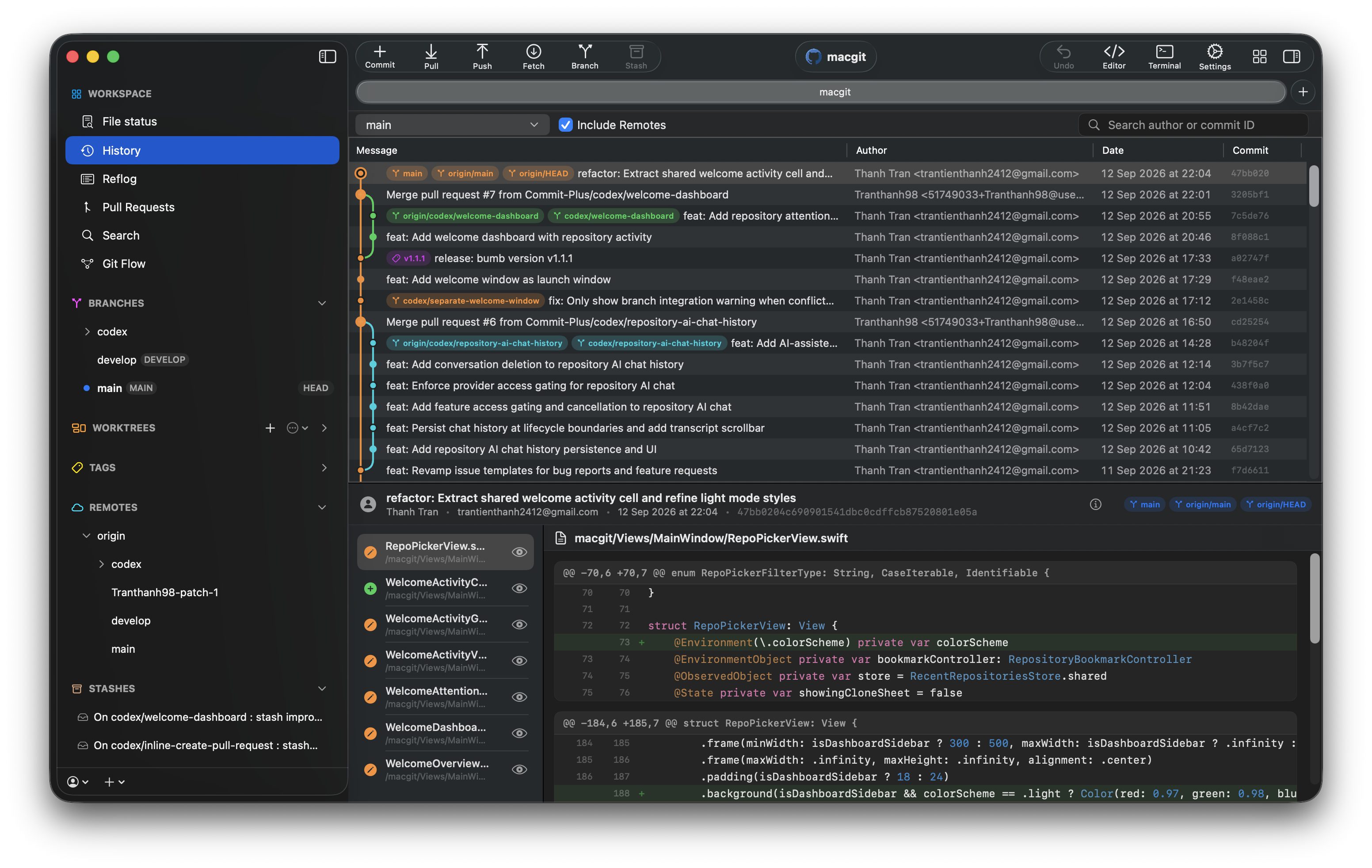
Price:Free & open source (AGPLv3)
Platform:macOS (native Swift & SwiftUI)
Website: commitplus.app
CommitPlus is a newer entrant that's quickly gaining attention as a strong free Git client for Mac. Built entirely with Swift and SwiftUI, it's a truly native macOS app — no Electron, no web runtime, no JVM. The result is a lightweight app designed to avoid a web runtime. Actual launch time and memory usage depend on your Mac and repository size.
Key Features
- Undo any action: Tower-style undo and redo for commits, stashes, branches, discards, and remote operations. Press ⌘+Z to reverse almost anything.
- Drag and drop: Move commits between branches, cherry-pick, merge, and push — all with direct manipulation. No command memorization needed.
- Conflict resolution: Review inline conflict markers side by side, with optional AI suggestions for complex merges.
- Quick search: A Spotlight-style search bar (⌘+Shift+F) to find commits, files, branches, and tags instantly.
- Git Flow: Full support for feature, bugfix, release, and hotfix branches.
- Pull request management: Create and manage GitHub pull requests without leaving the app.
- Worktree management: Create, switch, and manage worktrees for parallel development.
- AI commit messages: Generate commit messages with AI assistance (Pro feature).
Why CommitPlus Stands Out
What makes CommitPlus unique in this comparison is its combination of being completely free, fully native, and feature-rich. Most free Git clients either lack advanced features (GitHub Desktop) or aren't native (GitKraken). CommitPlus manages to offer Undo, Drag & Drop, Git Flow, and pull request management — all without costing a dime.
The app is also open source under AGPLv3, which means you can inspect the code, contribute improvements, and trust that your Git local Git work remains on your Mac. Read our privacy policy for the data handled by optional account and cloud features.
Best For
Mac developers who want a fast, free, native Git client with advanced features like Undo and Drag & Drop — without paying for a subscription.
2. Tower — Most Powerful Paid Git Client
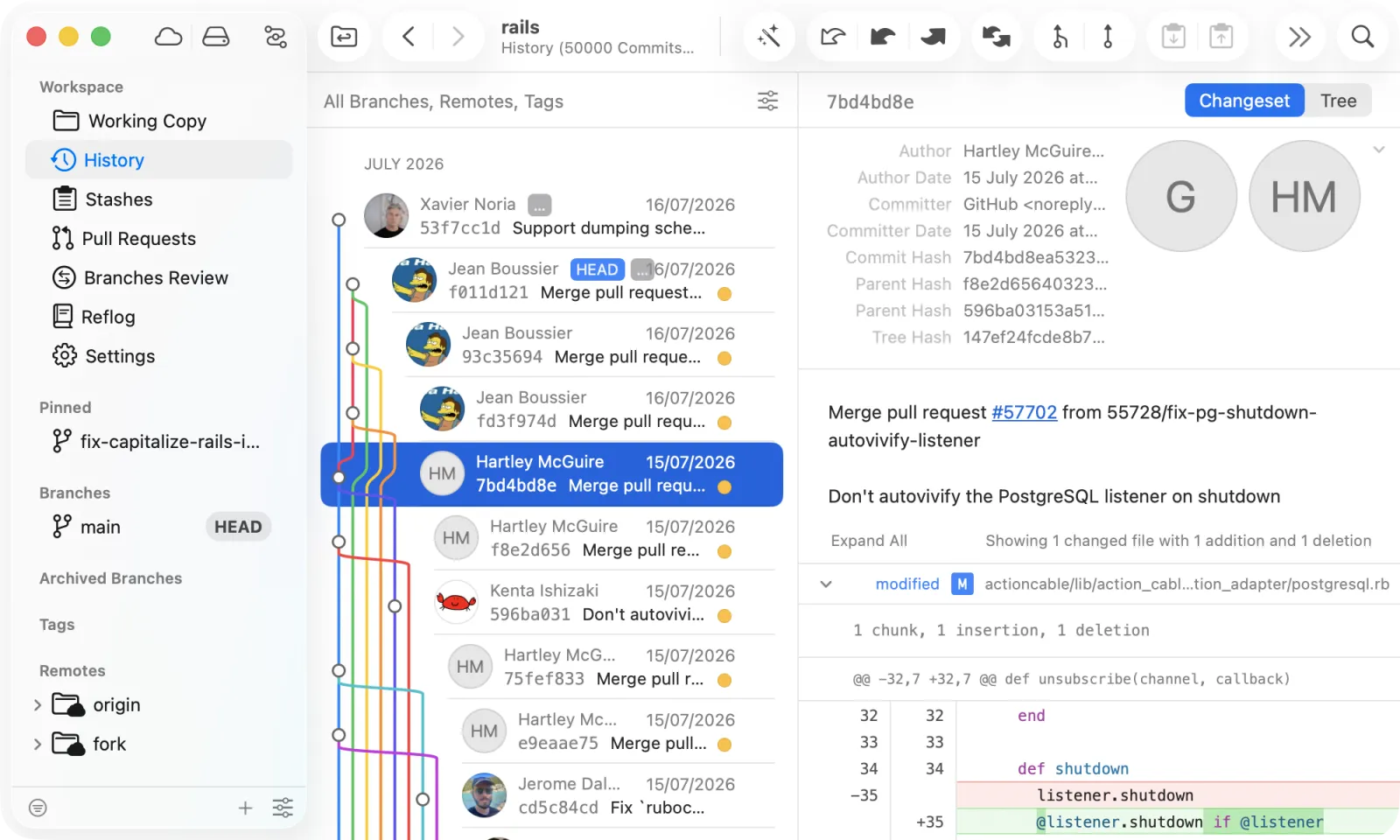
Price: $69/year (Basic) | $129/year (Pro)
Platform: Mac, Windows
Tower is the long-standing champion of paid Git clients. It's been around for over a decade and offers the most comprehensive feature set available. Tower's Undo and Drag & Drop capabilities are best-in-class, covering everything from interactive rebase to cherry-picking.
Strengths
- Unlimited Undo for virtually any Git operation
- Full Drag & Drop for interactive rebase, cherry-pick, merge, and more
- AI Commits, Stacked Branches, and Merge Conflict Wizard
- Deep integrations with GitHub, GitLab, Azure DevOps, and Bitbucket
- Fully native Mac and Windows apps
Limitations
- Requires a paid subscription (no free tier)
- No Linux support
Best For
Professional developers and teams who work with Git daily and want the most powerful, fully featured Git client — and are willing to pay for it. Read our full CommitPlus vs Tower comparison.
3. SmartGit — Cross-Platform With Reflog Access
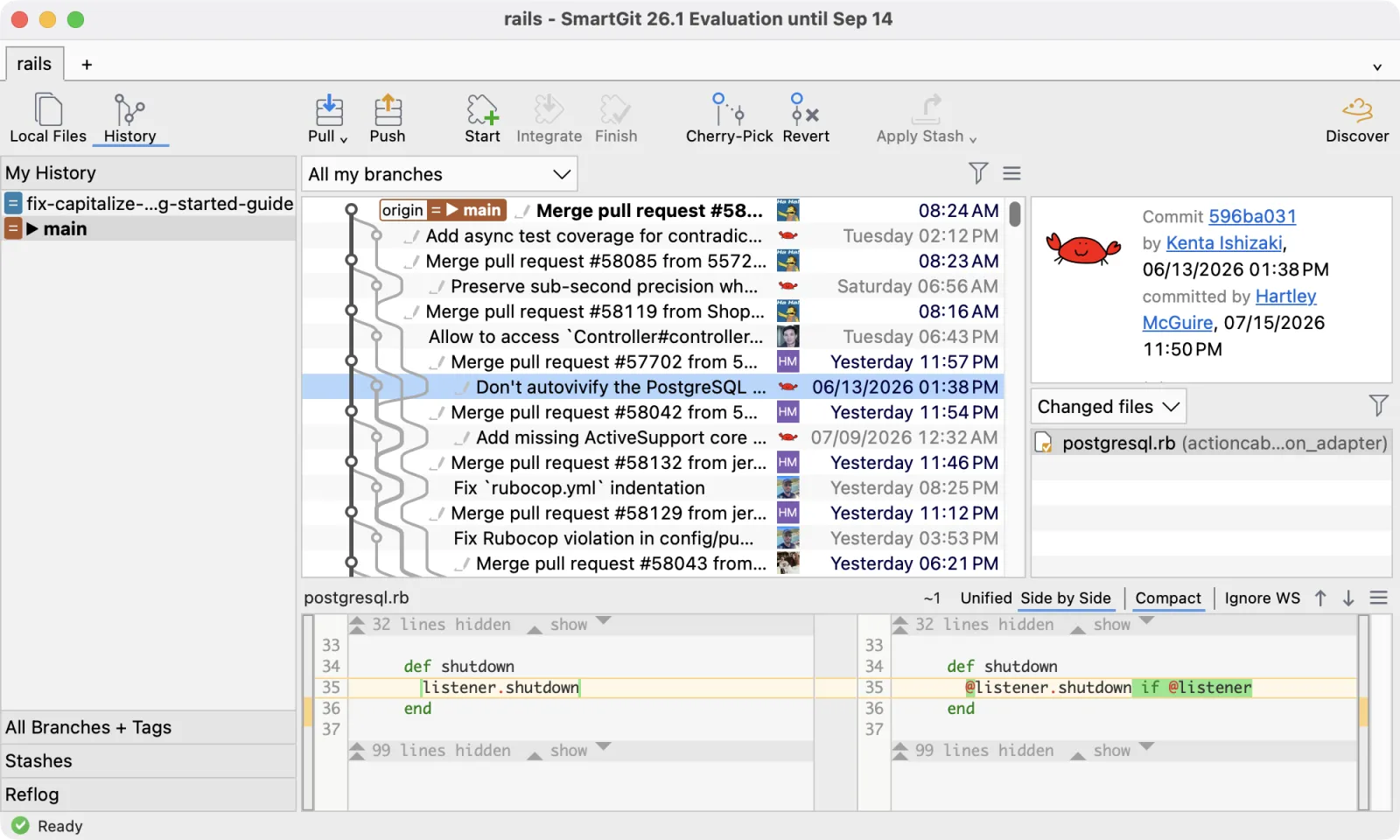
Price: From $59/year, or a perpetual license
Platform: Mac, Windows, Linux
SmartGit is a Java-based client that runs on macOS, Windows, and Linux. It supports syntax highlighting and gives you access to the reflog, which is genuinely useful for recovering lost commits, and it offers both subscription and perpetual licensing options.
Strengths
- Cross-platform, including Linux
- Reflog access for recovery workflows
- Choice of subscription or perpetual license
- Syntax highlighting and commit templates
Limitations
- Java-based — not a native Mac app, so it feels heavier
- Undo is limited to undoing the last commit
- Partial staging is unintuitive for many users
- No pull request management or multi-author support
Best For
Cross-platform teams that value reflog access and a perpetual license option, and don't mind an older interface. See the full CommitPlus vs SmartGit comparison.
4. Sourcetree — Best Free Option (Non-Native)

Price: Free
Platform: Mac, Windows
Sourcetree, built by Atlassian, is a solid free Git client that covers the essentials well. It provides clean visualization of branches, stashes, and commits, along with support for commit templates, GPG, Git LFS, and Git Flow.
Strengths
- Completely free with no feature gates
- Good Bitbucket integration (same company)
- Supports GitHub, GitLab, and Azure DevOps
- Covers all basic Git operations reliably
Limitations
- Interactive rebase feels clunky (mirrors command-line interface)
- No branch comparison or multi-author support
- Infrequent updates in recent years
- Not a native app — heavier on resources
Best For
Developers who want a free, reliable Git client for everyday use and don't need advanced workflow features. Compare the two in our CommitPlus vs Sourcetree comparison.
5. Fork — Clean & Fast
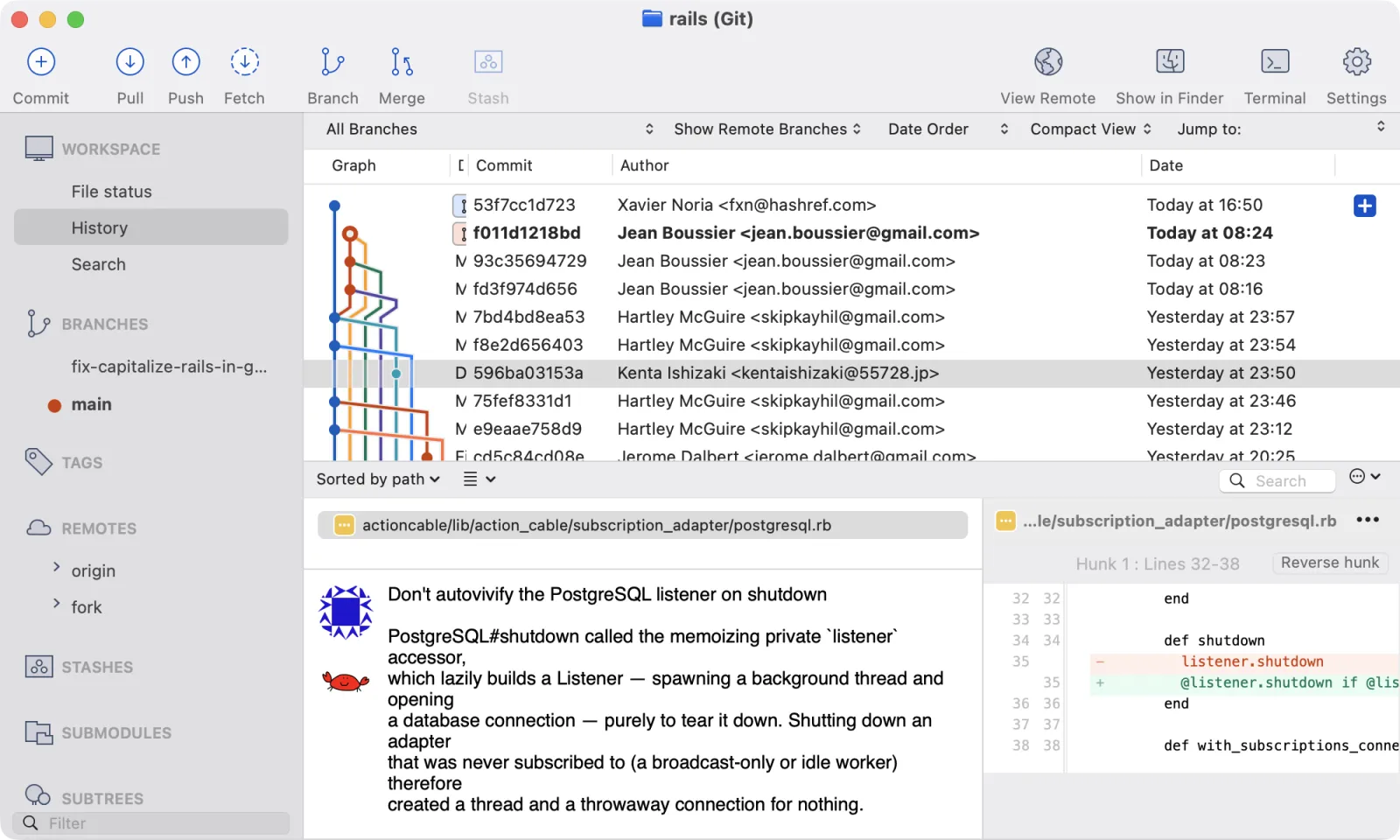
Price: $59.99 (one-time purchase)
Platform: Mac, Windows
Fork is a clean, fast Git client with a minimalist interface. Despite its simple appearance, it packs advanced features like multi-author profiles, SSH support, syntax highlighting, and commit templates.
Strengths
- Clean, distraction-free interface
- Built-in Command Palette for quick actions
- One-time purchase (no subscription)
- Per-repository settings
Limitations
- No Undo support
- No Drag & Drop for interactive rebase
- Pull request management still requires the browser
Best For
Developers who prefer a clean, fast interface and want to pay once rather than subscribe. See our CommitPlus vs Fork comparison.
6. GitKraken Desktop — Feature-Rich Cross-Platform
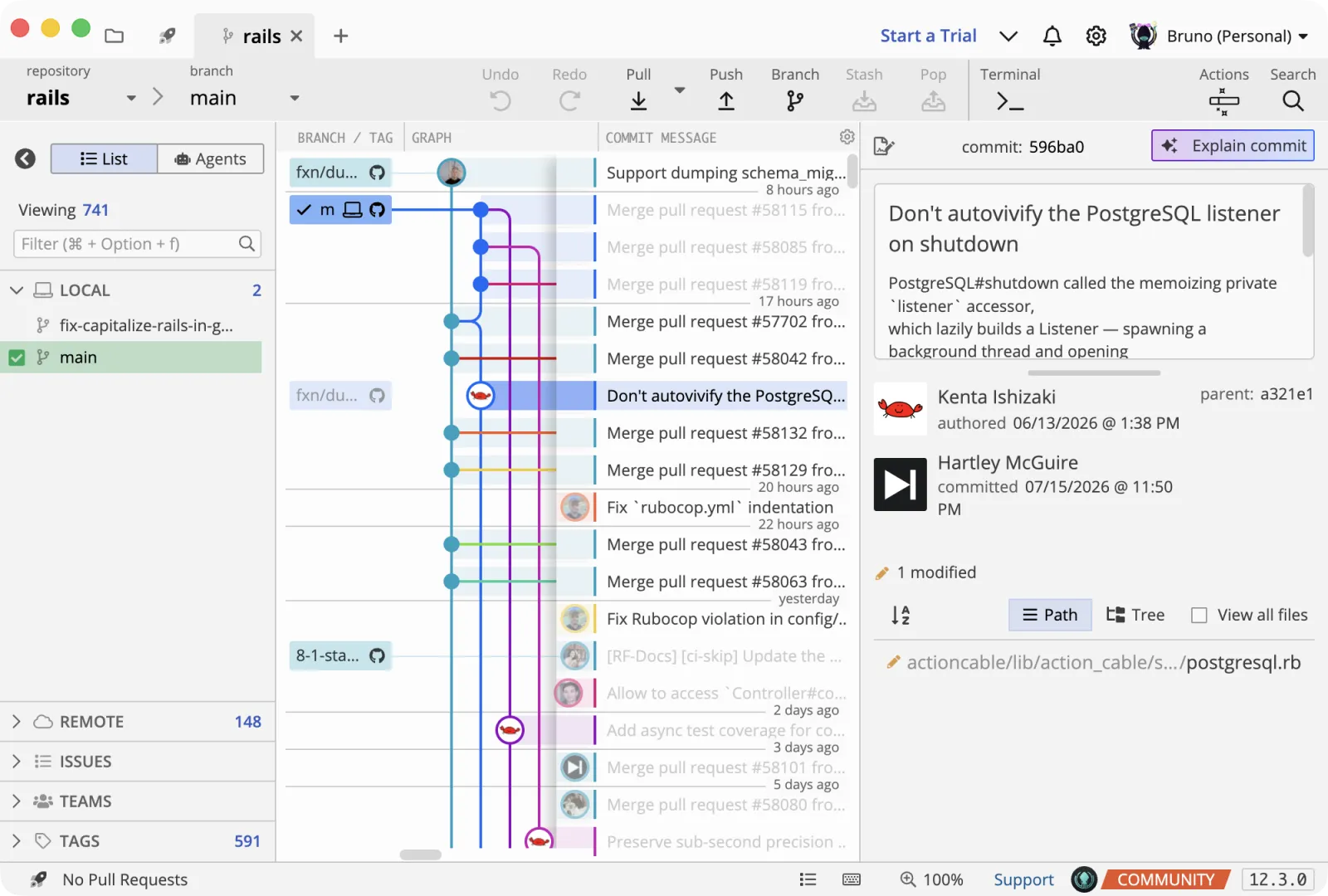
Price: From $4.80/month (billed annually)
Platform: Mac, Windows, Linux
GitKraken is one of the few Git clients that supports Linux alongside Mac and Windows. It's built on Electron, which gives it cross-platform capability but at the cost of being heavier on resources. It integrates with issue trackers like Jira and Trello.
Strengths
- Cross-platform including Linux
- Jira and Trello integration
- Multi-author profiles, GPG/SSH, Git LFS, Git Flow
Limitations
- Electron-based — higher memory usage
- Interface can feel cluttered
- No Undo support
- No Drag & Drop for interactive rebase
Best For
Teams that need Linux support and Jira/Trello integration, and don't mind an Electron-based interface. Read the CommitPlus vs GitKraken comparison.
7. GitHub Desktop — Simple & Free
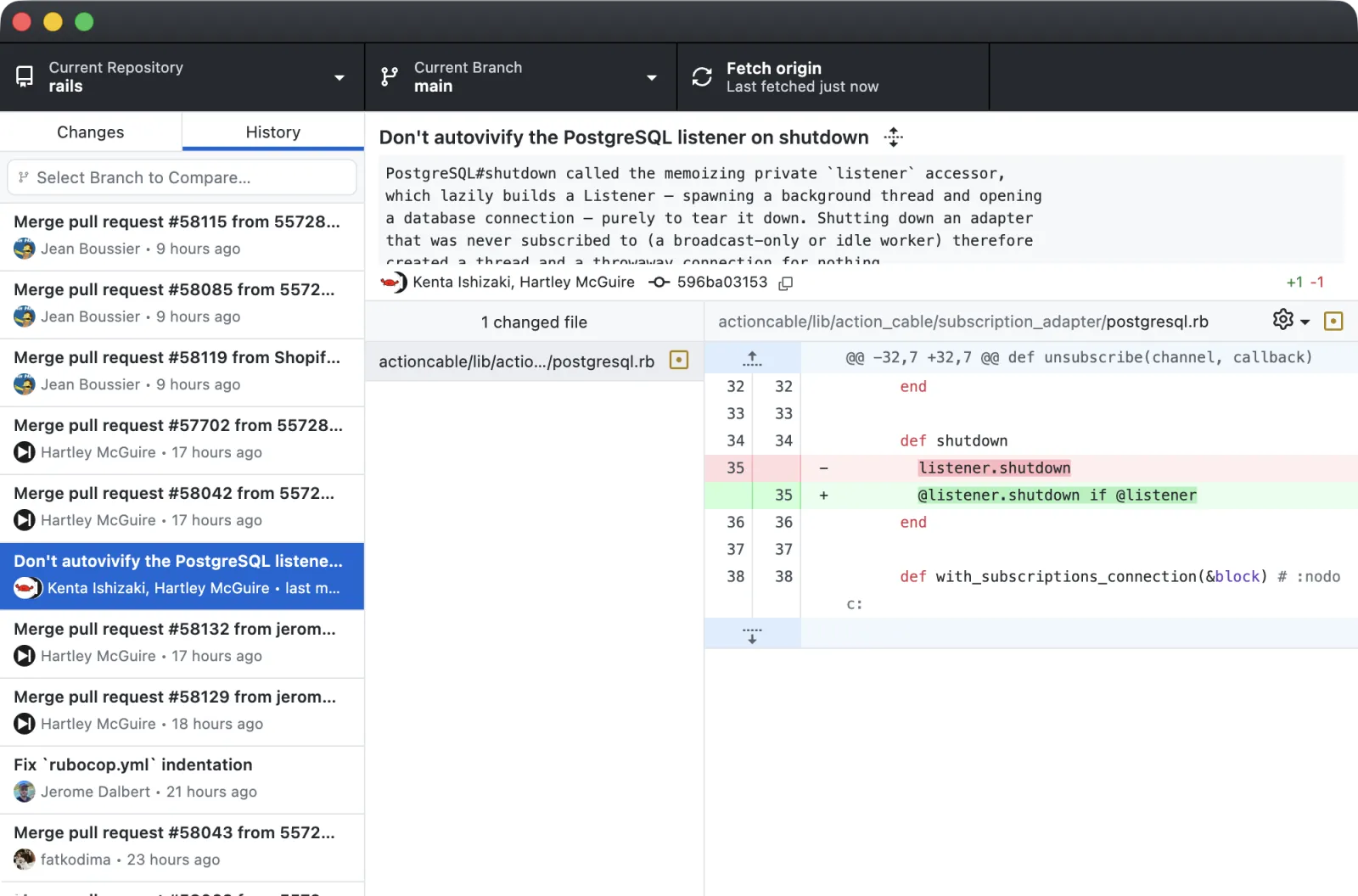
Price: Free
Platform: Mac, Windows
GitHub Desktop is the official Git client from GitHub. It's free, simple, and tightly integrated with GitHub. It supports drag and drop for interactive rebase, which is a nice touch for a free tool.
Strengths
- Free and straightforward
- Tight GitHub integration
- Drag and drop for interactive rebase
Limitations
- No Git LFS, Git Flow, or Command Palette
- No multi-author support or branch comparison
- Can't manage multiple projects in tabs
- Still need the browser for pull request management
Best For
GitHub-only users who want a free, simple client for basic operations. See the CommitPlus vs GitHub Desktop comparison.
8. Sublime Merge — For Sublime Text Fans
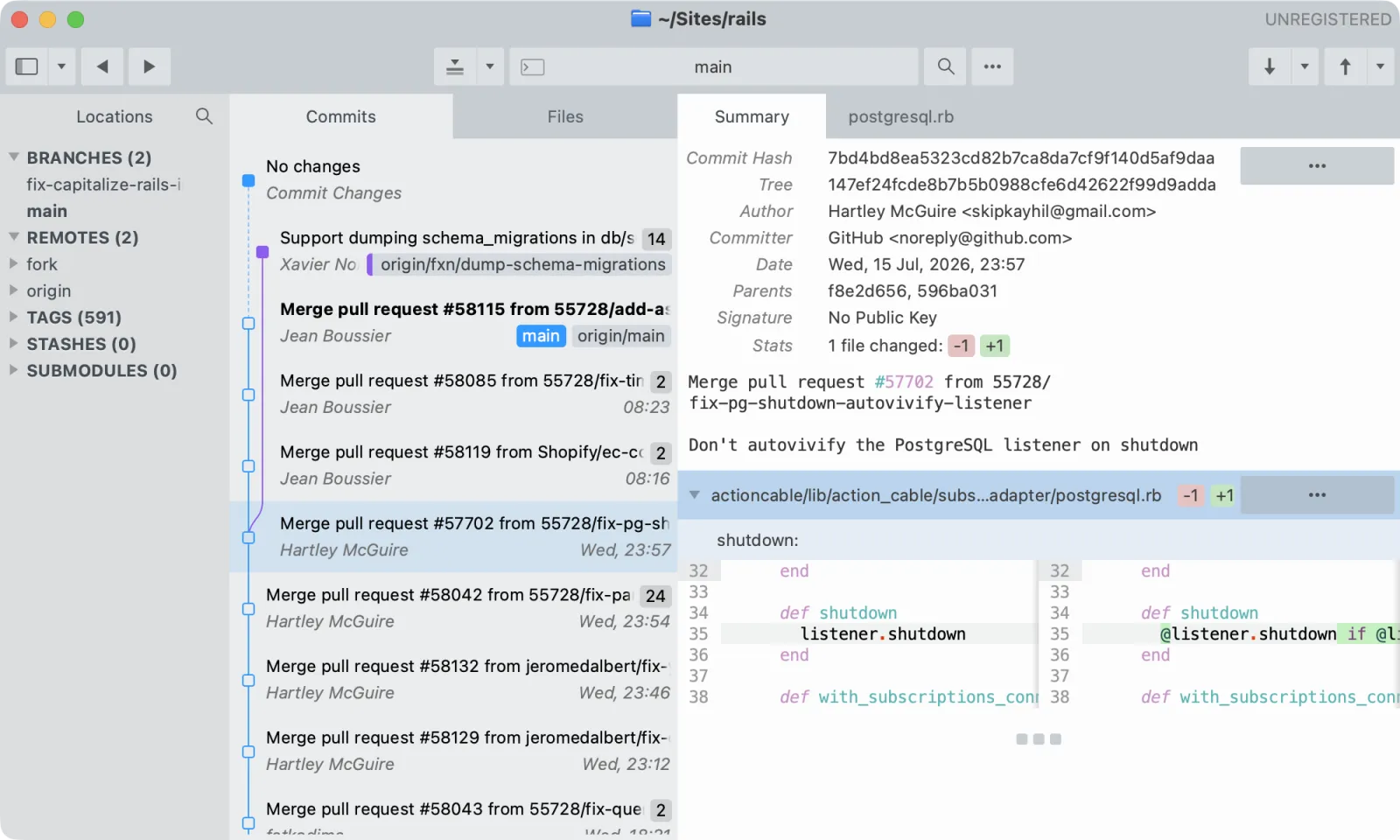
Price: $99 (one-time purchase)
Platform: Mac, Windows, Linux
Sublime Merge comes from the makers of Sublime Text. It's fast, keyboard-driven, and features excellent syntax highlighting. If you're already a Sublime Text user, the interface will feel familiar.
Strengths
- Fast and performant
- Excellent syntax highlighting
- Command Palette for quick actions
- Cross-platform including Linux
Limitations
- No Drag & Drop for interactive rebase
- Limited Undo capabilities
- Assumes higher Git knowledge — steeper learning curve
- Missing many advanced features at its price point
Best For
Experienced Git users who already love Sublime Text and want a fast, keyboard-driven Git client. Compare the two in our CommitPlus vs Sublime Merge comparison.
9. GitButler — Virtual Branches Pioneer
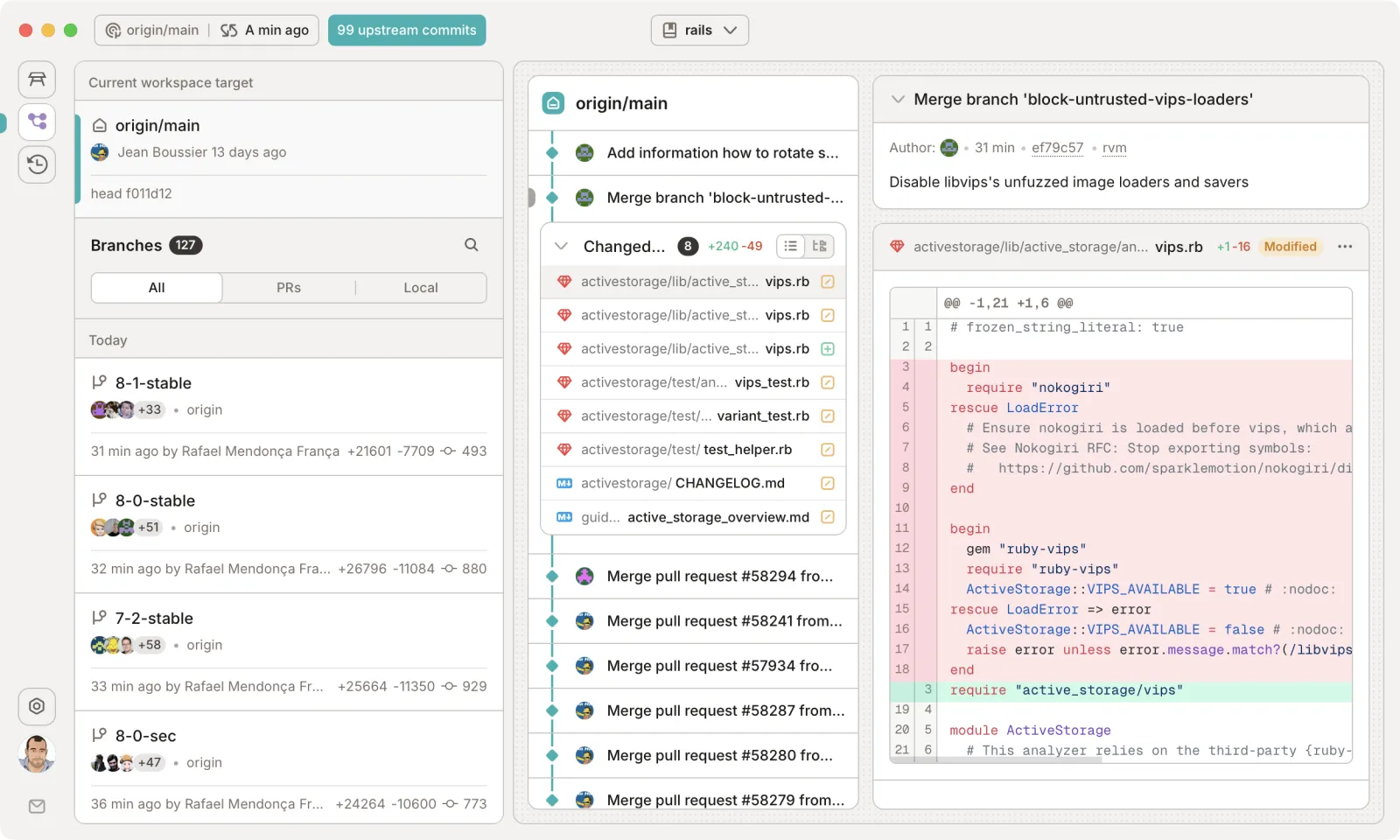
Price:Free & open source
Platform: Mac, Windows, Linux
GitButler, created by GitHub co-founder Scott Chacon, takes a different approach with Virtual Branches — letting you work on multiple branches simultaneously from the same working directory. It also offers multi-provider AI features and a companion CLI called but.
Strengths
- Virtual Branches for parallel work
- Multi-provider AI (OpenAI, Anthropic, Ollama)
- Drag-and-drop rebasing and Undo
- Free and open source
Limitations
- Steep learning curve — different mental model
- No native Git LFS or worktree support
- Fewer code hosting integrations than competitors
Best For
Developers who want to try a fundamentally different Git workflow and don't mind a learning curve. See the CommitPlus vs GitButler comparison.
Comparison Table
Here's a quick side-by-side comparison of all 9 Git clients for Mac:
| Git Client | Price | Platform | Native | Undo | Drag & Drop |
|---|---|---|---|---|---|
| CommitPlus ★ | Free (open source) | macOS | ✅ | ✅ | ✅ |
| Tower | From $69/yr | Mac, Windows | ✅ | ✅ | ✅ |
| SmartGit | From $59/yr | Mac, Win, Linux | ❌ | ❌ | ❌ |
| Sourcetree | Free | Mac, Windows | ❌ | ❌ | ❌ |
| Fork | $59.99 (one-time) | Mac, Windows | ✅ | ❌ | ❌ |
| GitKraken | From $4.80/mo | Mac, Win, Linux | ❌ | ❌ | ❌ |
| GitHub Desktop | Free | Mac, Windows | ❌ | ❌ | ❌ |
| Sublime Merge | $99 (one-time) | Mac, Win, Linux | ✅ | ❌ | ❌ |
| GitButler | Free (open source) | Mac, Win, Linux | ❌ | ✅ | ✅ |
Our Recommendation
If you're looking for the best Git client for Macin 2026, here's our take:
- Best free option: CommitPlus— fully native, feature-rich, and completely free. It's a free Git client that offers both Undo and full Drag & Drop on macOS.
- Best paid option: Tower — the most feature-rich Git client money can buy. If you work with Git professionally and need every advanced feature, Tower delivers. See the Tower comparison.
- Best for Linux users: GitKraken or GitButler — both offer Linux support with different trade-offs.
- Best simple free option: Sourcetree or GitHub Desktop — covers the basics without overwhelming you.
The best way to find your fit is to try a few. Most offer free trials or are completely free. Download CommitPlus today and see how a native, fast Git client can transform your macOS workflow.
Frequently Asked Questions
What is the best free Git client for Mac in 2026?+
CommitPlus is a strong free Git client for Mac in 2026. It is fully native (built with Swift and SwiftUI), open source under AGPLv3, and offers advanced features like Undo for any action, Drag & Drop, Git Flow, conflict resolution, worktrees, and pull request management — all completely free.
What is the best paid Git client for macOS?+
Tower is the most feature-rich paid Git client for macOS, offering unlimited Undo, full Drag & Drop for interactive rebase, AI Commits, and deep integrations with GitHub, GitLab, and Azure DevOps. It starts at $69/year and includes a 30-day trial.
Is there a native Git client for Mac?+
Yes. CommitPlus is a fully native Git client built with Swift and SwiftUI for macOS. Tower, Fork, and Sublime Merge are also native apps. Most other Git clients, including GitKraken, GitHub Desktop, and Sourcetree, are Electron-based and are not truly native.
Which Git client has undo and drag and drop?+
CommitPlus, Tower, and GitButler offer both comprehensive Undo and Drag & Drop. On macOS, CommitPlus is the free option with both: Undo covers commits, stashes, branches, discards, and remote operations, while Drag & Drop covers cherry-pick, merge, interactive rebase, and more.
What is the lightest Git client for macOS?+
Native Mac apps such as CommitPlus and Sublime Merge avoid an embedded web runtime. Actual memory use depends on the repository and the work you do, so compare the tools on your own Mac.
Is SmartGit available on Mac?+
Yes. SmartGit runs on macOS, Windows, and Linux. It is a Java-based app that starts at $59/year or is available with a perpetual license, and it is best known for cross-platform support and reflog access rather than a modern native macOS experience.
Related reading
Thanh Tran
Developer and creator of CommitPlus. Passionate about building fast, native macOS tools that developers love to use.